

How Modern Warfare 4 ESP Shows Enemies, Teammates and Direction
Astrion's Ignite ESP separates who you see from what is drawn around them. Enemy, team and bot groups identify the subjects. Boxes, skeletons, names, direction and distance add different details about those subjects. This guide explains each part of the display without mixing it up with Ignite's aiming controls.
What do enemy, team and bot ESP show?
Enemy ESP is the opponent group in Modern Warfare 4 ESP. Begin with the enemy display when you want to follow the other side of an encounter. A name helps you keep track of one opponent through a crowded view, while the box and connected body drawing make their position easier to pick out.
Team ESP gives Astrion's MW4 cheats a separate friendly group. Keep teammates visible when their positions affect your next move, such as watching a teammate cross a doorway or hold an objective. Their name and distance help you follow the same player as several bodies move through that part of the view.
Bot ESP is listed separately in Modern Warfare 4 ESP. Keep that subject distinct from the enemy and teammate groups. Which groups are useful depends on the situation you are in, rather than an assumption that every match contains every kind of character named in the menu.
Player names help identify an individual when several bodies cross. Once the players separate, the name gives you a way to recognise the same person. That identity is useful beside a body drawing, particularly when the nearest rectangle is no longer the one you were following.
What do boxes, head dots and skeletons add?
Player Box frames the body in Modern Warfare 4 ESP. Its simple outline makes the overall position easy to pick out. It doesn't show the arrangement of each limb, so a box and a more detailed body drawing can provide different references around the same person.
Head Dot supplies a smaller reference in the player display. It marks the head separately from the wider body frame. If two players overlap, associate that point with its own body instead of assuming every dot and rectangle close together belongs to one person.
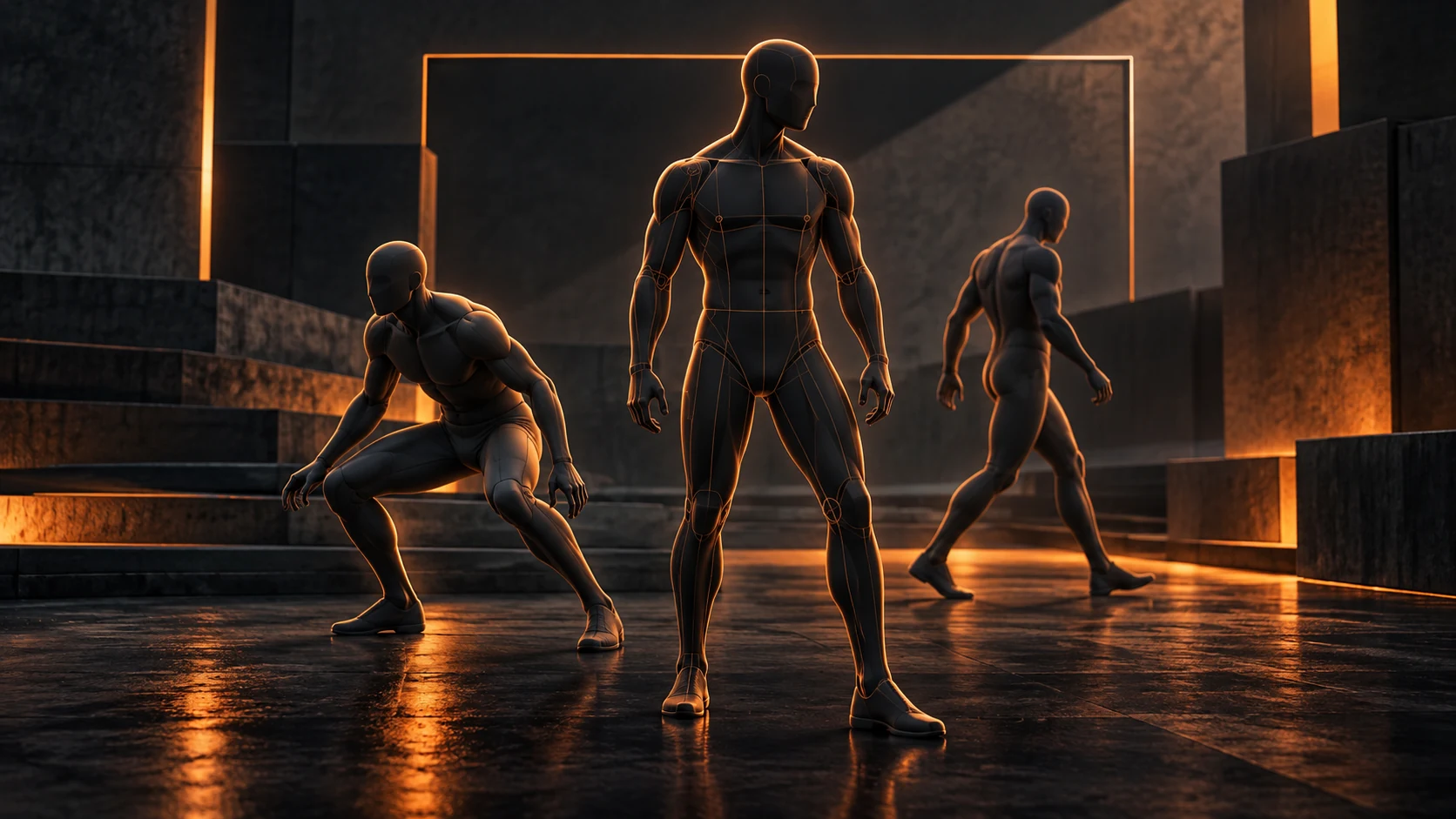
Skeleton ESP adds connected body detail to Modern Warfare 4 ESP. Compared with a rectangle, those lines give you the arrangement of the torso and limbs. A crouched figure and an upright figure can occupy similar parts of the view while producing different internal shapes.
Distance Indicator supplies a number beside the player. Two bodies can appear close together on screen while one is much farther away. The distance helps distinguish that depth difference; the gap between their drawings alone doesn't tell you how far apart they stand in the game.
What do arrows and view angles mean?
Out of FOV Arrows are part of Modern Warfare 4 ESP. They direct attention towards players outside the current view. An arrow provides direction, while a body drawing shows the person once they are within view. Those two displays answer different questions about the same subject.
View Angles are a separate feature in Ignite. They concern the direction associated with a player. Keep that direction attached to the correct body, especially when two opponents stand close together but face different ways.
Turning your camera view changes where a player appears within Modern Warfare 4 ESP. Somebody near the edge can move towards the centre because you turned towards them, even if they stayed in the same position. The display is being read from your current viewpoint.
Your crosshair position is another reference when checking a side approach. An arrow can tell you where to look without describing the aiming area. Ignite lists its aimbot FOV drawing separately, so the ESP direction cue should not be treated as an aiming-range control.
How do visibility and draw distance differ?
Visibility Indicator adds visibility information to Modern Warfare 4 ESP. Read it beside the correct player's name and outline. Identifying somebody beyond cover and identifying a visible part of that body are different pieces of information, even when they concern the same opponent.
Max Draw Distance is an ESP display control in these MW4 cheats. It concerns how far away subjects are drawn. That is separate from selecting a box or skeleton: one choice concerns distance, while the other concerns the shape used to represent a player.
For a close encounter, Modern Warfare 4 ESP can show several fields around one person. Nearby cover, the body drawing and its distance together explain more than a name alone. Keep the details you actually use readable rather than giving every field the same visual priority.
Player separation matters when several outlines overlap. Start by identifying one body and the name attached to it, then read that player's distance and visibility. This keeps a value from the adjacent player from being mistaken for information about the person you meant to follow.
How can you keep and reload a useful display?
A Modern Warfare 4 ESP arrangement can combine the subjects and drawings that suit your view. In Ignite, decide which player groups you need, then which body details answer your question. Reviewing those choices separately is clearer than replacing the whole display at once.
Config Name Input lets you name a configuration in Ignite. Choose a name you can recognise later. A description of the display's purpose is more useful than several numbered entries whose names don't tell you what you intended to keep.
A saved configuration keeps a Modern Warfare 4 ESP arrangement available to load again. Ignite includes add, load, save, delete and clear controls. Loading an existing entry and saving over its choices are different actions, so check the selected entry before replacing it.
For aiming and automatic firing as well as ESP, read our Modern Warfare 4 cheat guide. Astrion’s Ignite product page brings the individual feature groups together. The display explained here identifies players and their details rather than controlling the separate aiming functions.
Your questions answered
Does Ignite separate enemies, teammates and bots?
Yes. Its ESP features name Enemy ESP, Team ESP and Bot ESP separately. Use those groups to distinguish the subjects drawn in the current encounter rather than treating every marker as an enemy.
What do the box, head dot and skeleton show?
They provide different body references: an overall frame, a small head reference and the shape of the body. Read each drawing against the same person, especially when players overlap.
Are off-screen arrows the same as an aimbot FOV drawing?
No. Out of FOV Arrows belong to the ESP features, while Draw Aimbot FOV is listed with the aiming controls. One directs attention outside the main view; the other concerns the aimbot's aiming area.
Can I save the display choices in a configuration?
Ignite includes configuration naming, adding, loading, saving, deleting and clearing. Keep a recognisable saved entry for the arrangement you want to return to, and check the selected entry before replacing its choices.
See Astrion's Modern Warfare 4 cheats for the current Ignite product and access choices. Check its live availability separately from these evergreen feature explanations.
