








How the Wardogs Aimbot Locks On
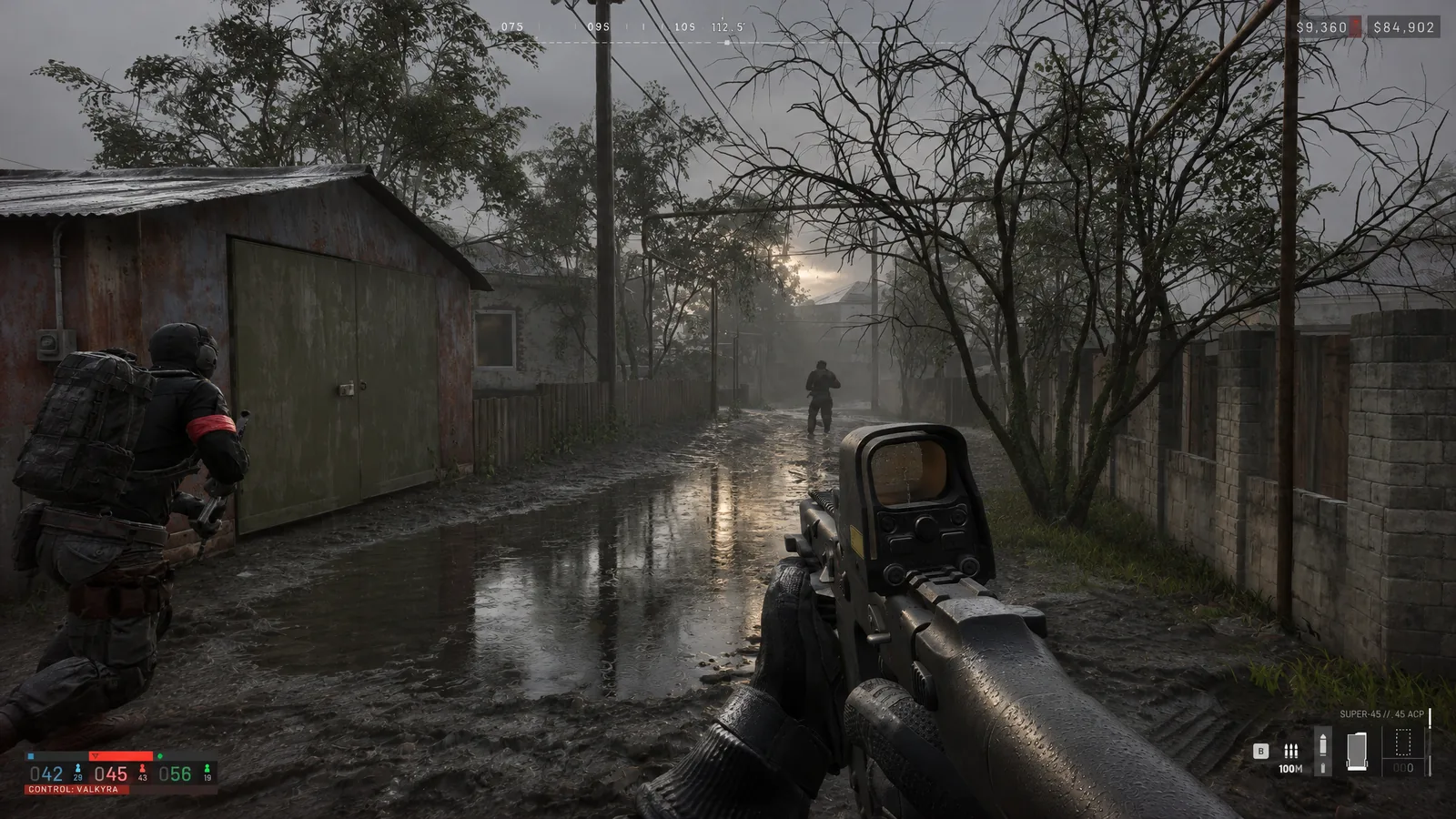
A squad has dug into the treeline across an open field, and every time you lean out of your hedge you eat a burst from someone you can barely see. You need the first shot to land, and you need it on a player, not on the bark next to him.
Search aimbot wardogs and you'll mostly find complaints and clips of cheaters snapping across fields. This page covers the Wardogs aimbot in Wardog Disconnect instead: how it picks a target, how it locks on and which settings shape the lock.
Wardogs Aimbot Key and Target Bone
Everything starts with the Aimbot Key you set. Press it with an enemy inside your FOV circle and the Wardogs aimbot pulls your crosshair onto the Target Bone you picked.
Target Selection sets how it chooses when more than one player sits in that circle.
Smoothness, FOV and Max Distance in Wardogs
Smoothness sets how fast the Wardogs aimbot drags your crosshair onto the bone. Low smoothness snaps and high smoothness drags.
FOV is the size of the circle the Wardogs aimbot grabs from, and Draw FOV shows it on screen in your FOV Color. Max Distance caps how far it reaches, which matters when a hundred players are spread over open fields and ridgelines.
Target Line and Target Crosshair show who the Wardogs aimbot is locked to. They're handy while you tune, but switch them off once you're happy, because nobody needs a line painted to their next kill.
Visible Check and Target Filters for Wardogs
Visible Check keeps the lock on players you can actually see. Leave it off and the Wardog aimbot will happily drag you onto someone behind a wall, which is how a clip of you tracking through a hill ends up online.
Ignore Knocked stops the Wardogs aimbot wasting rounds on players who are already down, and Ignore Teammates keeps it off your own squad. Both belong on for almost everyone.
Wardogs Gamepad and Keyboard Aimbot Binds
Keyboard Keybinds and Gamepad Keybinds both sit in the aimbot settings, so there's a proper wardogs gamepad aimbot bind if you play on a pad. Put the lock on a trigger or bumper you can reach while you aim.
Combat Mode and the menu each get a bind of their own as well. The product page doesn't describe what Combat Mode changes, so try it on a community server before you take it into a full official one.
Looked up wardogs aimbot pc before buying? The requirements are short. You need Windows 10 or 11, 64-bit and fully updated, with no virtual machines. Close overlays, macros and anything from another provider before you launch.
Wardogs Aimbot Bans Under Elytra
Steam lists Elytra, a kernel level anti cheat, on Wardogs, and BULKHEAD cleared out more than 185,000 accounts ahead of Season 3. Any wardogs cheat aimbot can get you banned, and that's true of all Wardogs cheats, ours included.
Wardogs hackers who flick 180 degrees onto a player get reported, and the game can announce cheater bans right there in the server. Undetected is today's status, not a promise, so check the status page before you queue.
Pair it with Wardogs ESP so you know where the fight is before you press the key, and read what anti cheat Wardogs uses for the ban side. Astrion lists every feature on its Wardogs hacks page, with keys waiting in the Wardogs cheats category.
Wardogs Aimbot FAQ
Does Wardog Disconnect have silent aim?
Not on its feature list, and neither is magic bullet. This aimbot moves your real crosshair, which is why smoothness matters so much.
Does it control recoil too?
No. Wardog Disconnect lists no recoil feature, so pulling the spray down after the first shot is still your job.
Which settings should I start with?
Turn on Visible Check and both Ignore filters, then set the FOV and smoothness to suit how you play.